Navigating Korean Delivery Apps as a Foreigner: Your Complete English Guide
Navigating Korean Delivery Apps as a Foreigner: Your Complete English Guide
After three years in Seoul, I can confidently say that mastering Korean delivery apps has been life-changing. Whether you're craving Korean food at midnight or need groceries delivered in an hour, these apps are absolute lifesavers. Here's what I wish someone had told me when I first arrived.
The Big Three Apps Everyone Uses
Naver Map & Kakao Map aren't technically delivery apps, but they're essential for finding restaurants that have delivery options. Both have solid English support, and you can filter by cuisine type, ratings, and delivery fees. Seriously, start here first.
For actual food delivery, the two giants are Coupang Eats (쿠팡이츠) and Yogiyo (요기요). Coupang Eats has better English support overall and faster delivery times in central Seoul (usually 20-30 minutes). Yogiyo is older and has more restaurants, but the app interface is less foreigner-friendly.
Delivery Hero (배달의민족 - Baemin) used to be separate but merged with Yogiyo in 2020. You'll still see the Baemin name around, but it's all connected now.
My Top Tips for Actually Using These Apps
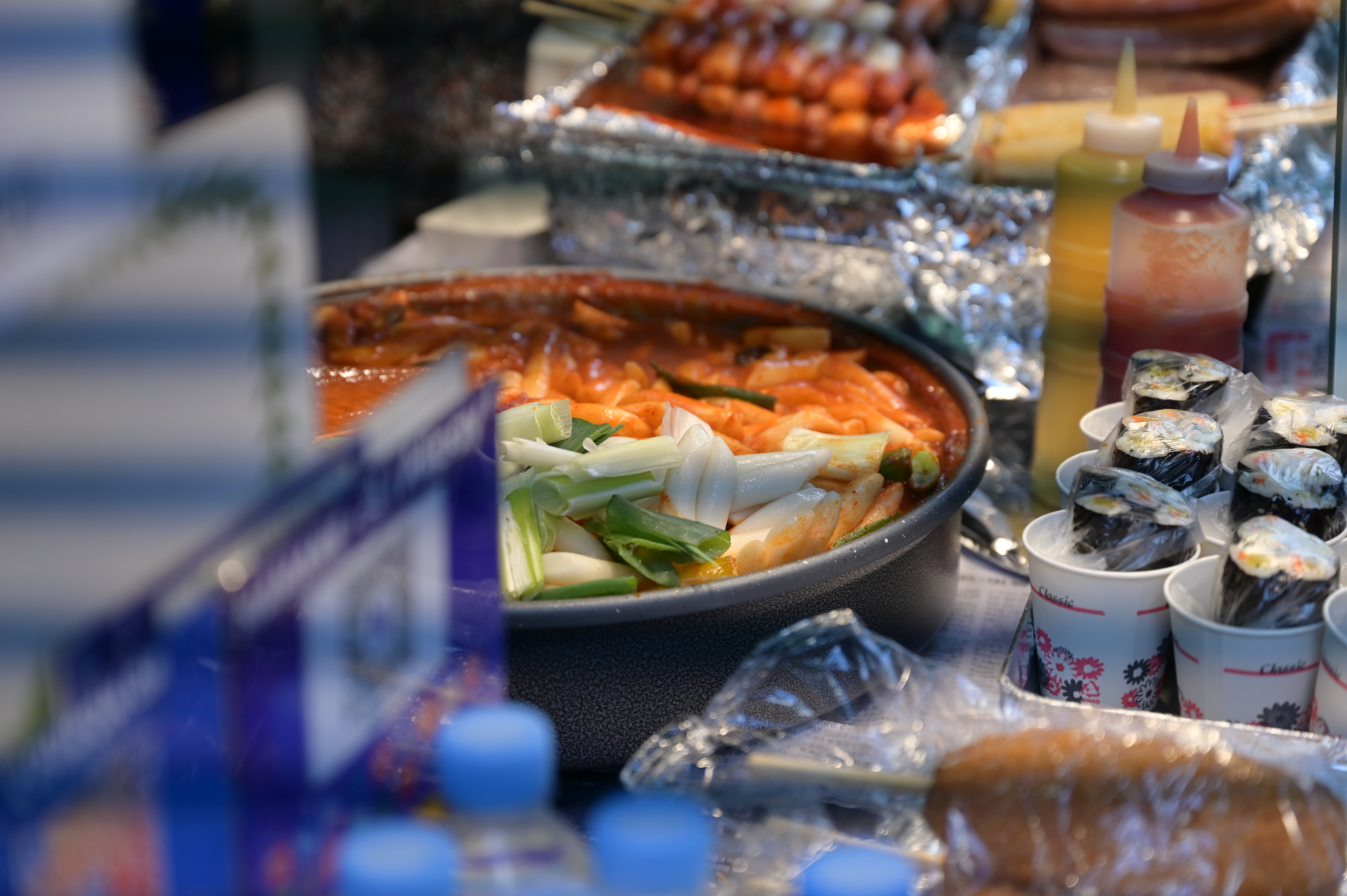
Download multiple apps. Seriously. Not every restaurant uses every platform. Your favorite tteokbokki (떡볶이) place might only be on Yogiyo while the pizza spot uses Coupang Eats exclusively. I typically have all three installed.
Check the delivery fee structure. Most apps charge 2,000-3,000 KRW for delivery, but if your order is below the minimum (usually 10,000-15,000 KRW), the fee jumps to 4,000-5,000 KRW. I've learned to add a side dish to hit the minimum rather than pay the penalty.
Language matters more than you'd think. Coupang Eats has the best English translations of menu items. Yogiyo's translations are sometimes hilariously wrong—I ordered what I thought was "steamed egg" and got something entirely different. Read the Korean name if you can, or use Google Lens to translate photos.
Set your address correctly. Input your full address with building number and unit number. Many older Seoul buildings have confusing numbering systems. I've had deliveries go to the wrong building before—add a note with your specific location if possible.
Beyond Food: Convenience Delivery
Coupang Now (쿠팡나우) and Gs Caltex Hello App deliver convenience store items in 30-40 minutes for around 2,000 KRW. Need soju (소주) at 10 PM? Need forgotten toiletries? This is your answer. I've used Coupang Now to order snacks, instant noodles, and even cosmetics.
Market Kurly (마켓컬리) is fantastic for fresh groceries and specialty items. It takes 24 hours usually, so it's not emergency-level fast, but the quality is excellent and prices are reasonable.
Payment Methods
All these apps accept Korean credit cards, Naver Pay, Kakao Pay, and PayPal (on some). I use Kakao Pay because it's connected to my Korean bank account and doesn't have international transaction fees.
My Personal Recommendation
Start with Coupang Eats if you're in central Seoul. It's the most foreigner-friendly, the fastest, and the selection is solid. Once you're comfortable, branch out to Yogiyo for restaurants that might not be on other platforms. Within a week, you'll be ordering like a local.
Welcome to the delivery life—it genuinely gets better from here! 🍜
Found this helpful? Buy us a coffee ☕
🎫 Explore Seoul Activities
Tours, tickets, and experiences — book at the best price with instant confirmation.
Browse on Klook →We may earn a small commission at no extra cost to you.
Daniel Kim
Expat Life Editor · Last updated 2026-06-23